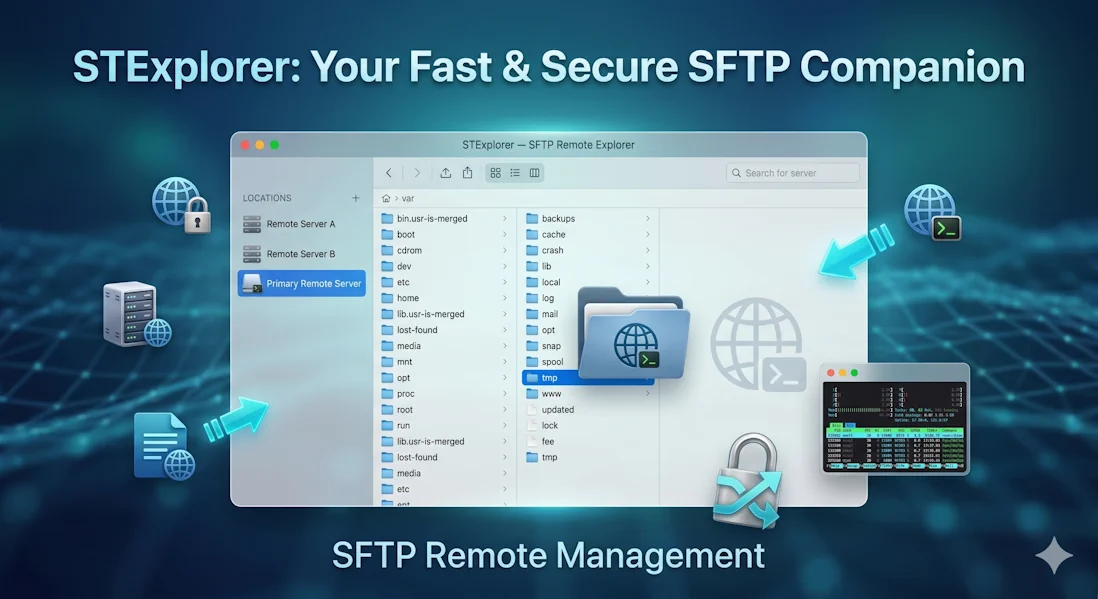
Open source · Windows · Native

SFTP,
made beautiful.

A native SFTP client with a Finder-style column view, built-in SSH terminal, and the modern UX server software forgot.
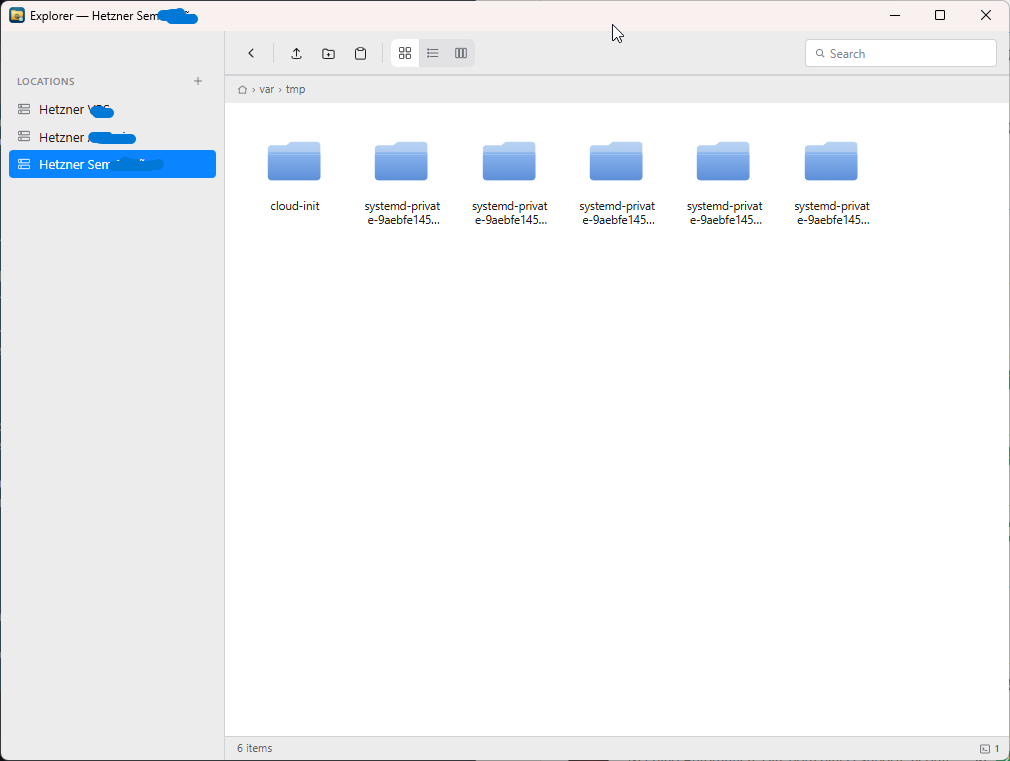
ST Explorer column view
hero.webp
Suggested: column view with files open · 1600 × 1000

Three views

Browse the way you think.

Icons for visual scanning. List for sorting and details. Columns for drilling deep into the tree — the macOS classic, on Windows.

Icons view
view-icons.png
1200 × 800

Icons

Grid of folders and files with selection chips and quick tooltips.
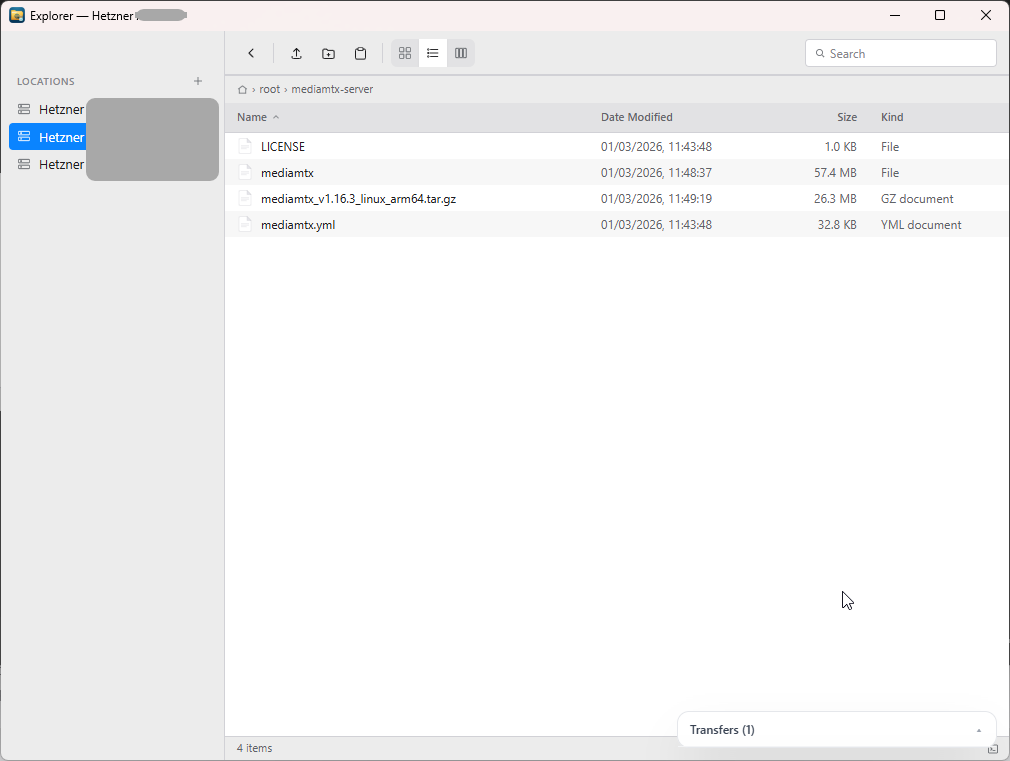
List view
view-list.png
1200 × 800

List

Sortable columns: name, modified, size, kind. Alternating rows, header sort indicators.
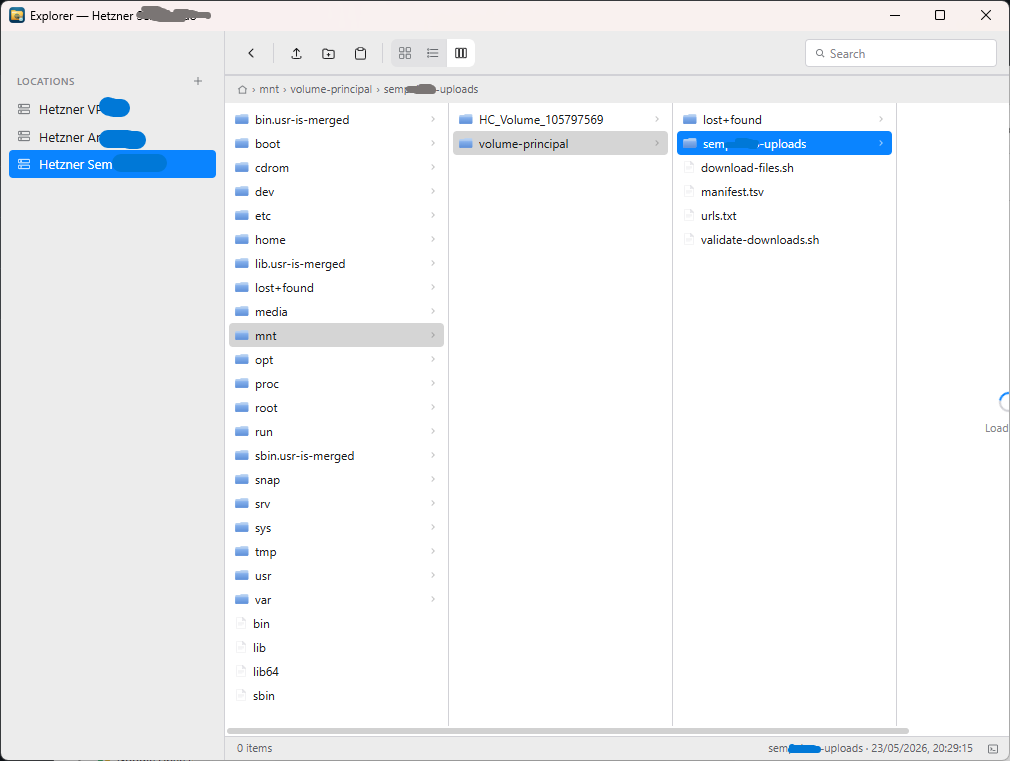
Columns view
view-columns.png
1200 × 800

Columns

Miller columns straight from Finder. Drill down without losing context.

Integrated terminal

A terminal that
follows you.

Click the terminal icon and a tabbed SSH shell drops in, rooted at the folder you're already browsing.
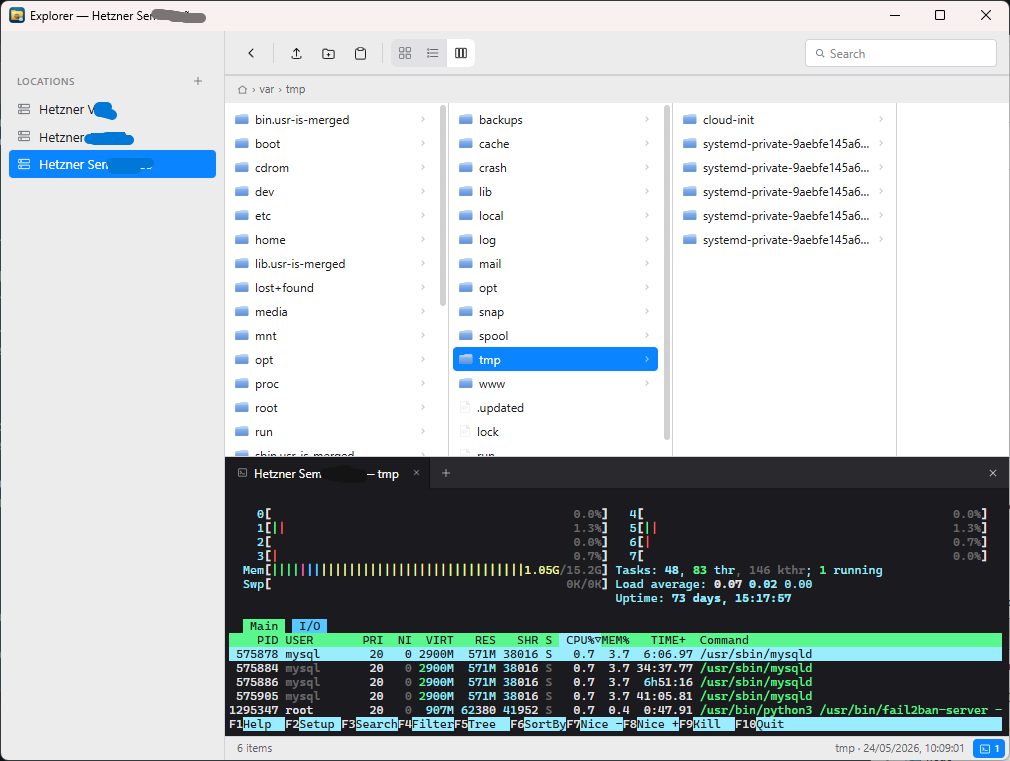
  • Multiple tabs on the same connection
  • Full ANSI + 256-color, xterm-compatible
  • Auto-resizes with the panel
  • Powered by xterm.js
ST Explorer with terminal panel open
terminal.png
Suggested: panel open, multiple tabs · 1600 × 900
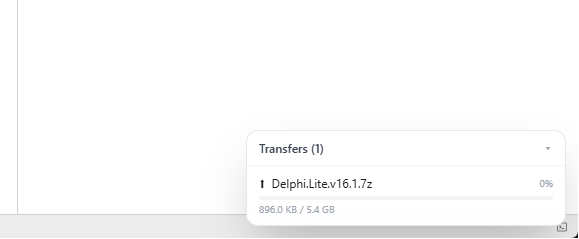
Drag and drop file upload with transfer panel
transfers.png
Suggested: drop overlay + progress panel · 1400 × 900

Transfers

Drag. Drop.
Done.

Drop files from Windows Explorer straight into any remote folder. Or hit Ctrl+C on a file in Explorer, then Ctrl+V here — it just uploads.

  • Drag-and-drop from any file manager
  • Native clipboard integration (CF_HDROP)
  • Server-side copy for remote-to-remote moves
  • Live progress panel for every transfer

Why ST Explorer

Built like a desktop app should be.

~12 MB
Single .exe. No installer. No bundled Chromium.
Native
Go backend, WebView2 frontend. Wails v2.
MIT
Open source. No telemetry. No phone-home.
SSH + Key
Host key pinning via known_hosts (TOFU).

Keyboard-first

Every shortcut you'd expect.

Because reaching for the mouse to rename a file is a tax we already pay enough.

Enter
Open file / enter folder
F2
Rename
Del
Move to trash
Backspace
Back / collapse column
CtrlC
Copy
CtrlX
Cut
CtrlV
Paste (internal or system)
CtrlF
Filter current folder

Get ST Explorer.

Free. Open source. Ready today.

Requires Windows 10 / 11 with WebView2. Compatible with macOS and Linux through Wails (build from source).